
Building a Productive, Healthier Environment in the Digital Age
The average professional spends more than eight hours a day surrounded by electronic devices — laptops, monitors, routers, chargers, and lighting. While these tools power productivity, they also fill your home office with invisible electromagnetic fields (EMFs).
Over time, this “electrical haze” can affect not just how you feel — causing fatigue, headaches, and poor concentration — but also how your technology performs. A high-EMF environment increases interference, heat, and wear on devices that need stability to function efficiently.
Creating a low-EMF workspace isn’t about ditching technology — it’s about designing your space to minimize unnecessary electromagnetic load while keeping everything running smoothly.
Why EMF Management Matters in Home Offices
Every electronic device emits some level of EMF radiation. Laptops, routers, monitors, and even LED desk lamps generate overlapping electrical and wireless signals that fill your workspace with energy your body and electronics both have to process.
Too much EMF buildup can lead to:
- Reduced focus and energy: Many people feel mental fog after hours of Wi-Fi and device exposure.
- Signal interference: Routers, Bluetooth devices, and monitors may experience lag or cross-interference.
- Increased device wear: Unstable current and constant wireless communication create electrical noise that shortens component lifespan.
A low-EMF setup helps restore balance — reducing stress on both you and your electronics.
Step 1: Optimize Device Placement
Start with the basics: distance matters.
Keep your Wi-Fi router at least 6–10 feet from your main workspace and away from where you sit for extended periods. Position Bluetooth hubs, smart speakers, and printers along walls or shelves, not right on your desk.
Where possible, use wired connections for laptops, monitors, and external drives. An Ethernet cable provides faster, more secure internet while eliminating one major source of radiofrequency radiation.
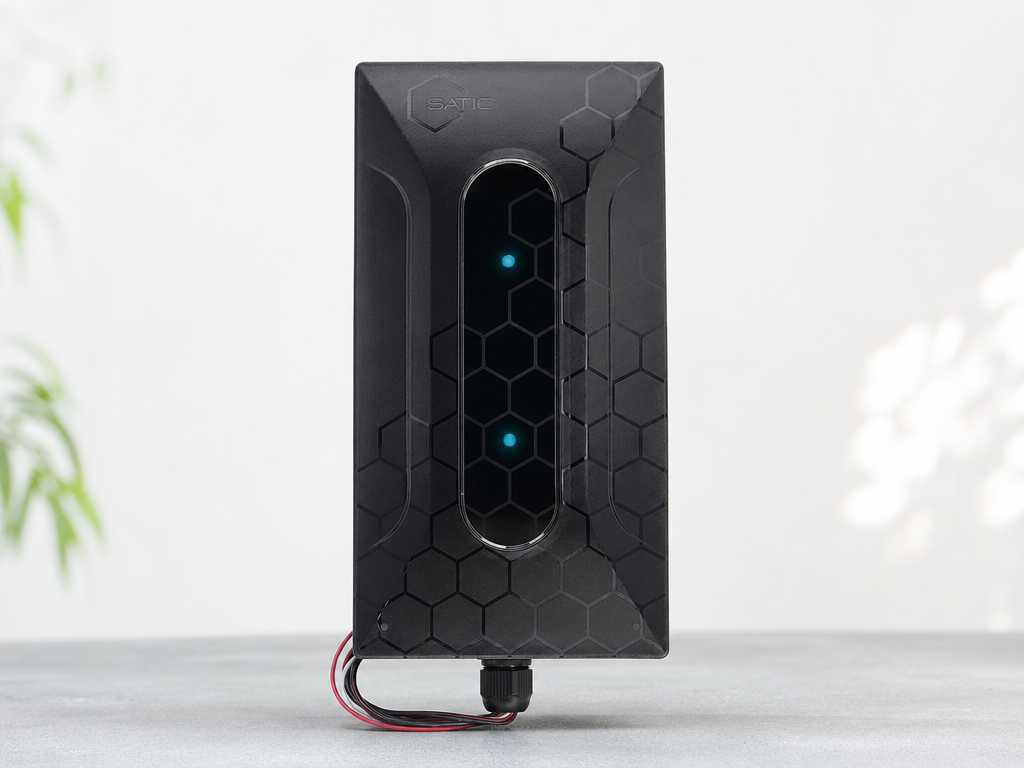
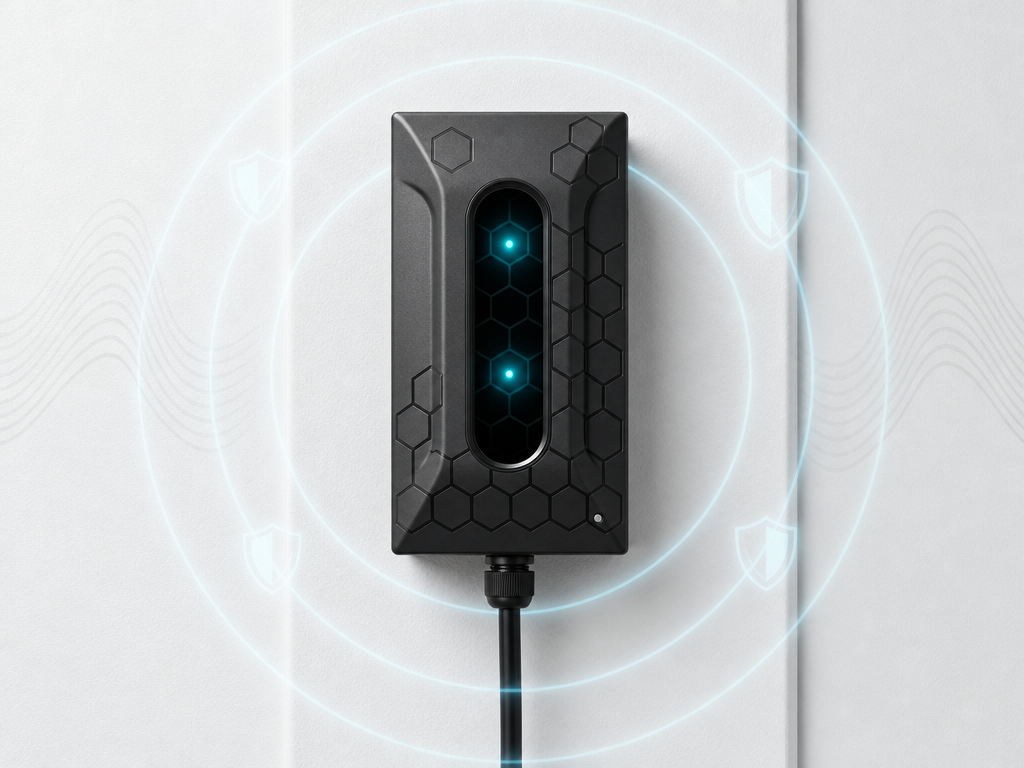
Pro tip: If you can’t relocate your router, consider installing a Field Shield behind it or near your desk area. These devices reflect and absorb excess electromagnetic radiation, lowering the ambient EMF levels without affecting performance.
Step 2: Eliminate “Dirty Electricity” in Your Workspace
Even when you’ve reduced wireless exposure, your wiring itself can emit EMFs through a phenomenon known as dirty electricity — irregular voltage spikes and harmonics created by modern electronics and LED lighting.
Over time, this electrical noise radiates from walls and outlets into your workspace. You can correct it easily with Dirty Electricity Filters designed to smooth out electrical flow and reduce background EMF radiation.
Plug filters into outlets near your desk, router, or charging station for an immediate improvement in both power quality and device stability. Cleaner power means fewer resets, less static, and a calmer energy environment overall.
Step 3: Choose Low-EMF Equipment
If you’re buying new tech, opt for low-EMF or shielded devices when available. Look for:
- Hardwired keyboards and mice instead of Bluetooth versions.
- Monitors and lamps that don’t rely on dimmer switches (which create electrical noise).
- Laptops that can operate without being constantly plugged in — reducing continuous power draw.
Also, position charging hubs a few feet away from your workspace or on a separate circuit if possible. Keeping chargers out of your immediate field reduces constant low-frequency exposure.
Step 4: Manage Lighting and Screen Time
LED and fluorescent lighting can both contribute to EMF emissions and flicker, which strain your eyes and disrupt concentration. Replace fluorescent bulbs with high-quality EMF-reducing light bulbs powered by clean, filtered circuits.
To reduce blue light and EMF-related fatigue:
- Use warm lighting (2700–3000K color temperature).
- Set screens to “night mode” after dusk.
- Give your eyes — and your electronics — short breaks every hour to rest.
Even small changes in lighting and usage patterns can noticeably reduce the “electrical fatigue” many remote workers experience.
Step 5: Organize Cables and Power Sources
Tangled cords, overloaded strips, and mixed power supplies create electromagnetic hotspots. Keep cables organized, separated, and away from direct contact with your legs or arms.
For best results:
- Use shielded power cables for high-use electronics.
- Avoid running power and data cables parallel — it increases interference.
- Plug major electronics (computer, router, monitor) into a single filtered surge protector to centralize and clean electrical flow.
This not only reduces EMFs but also improves energy efficiency across your workspace.
Step 6: Reduce Wireless Dependence When Possible
Wireless devices constantly send and receive data, even when idle. Consider these small adjustments for big impact:
- Turn off Bluetooth when not in use.
- Put phones in airplane mode during focused work.
- Disable Wi-Fi on printers and use a USB connection instead.
- Schedule router rest periods overnight or during weekends.
Less wireless activity equals less electromagnetic noise — and often a smoother digital experience overall.
Step 7: Create an “EMF Quiet Zone”
If your home allows, dedicate one area of your workspace as an EMF quiet zone — a space free of routers, power strips, and active wireless signals. This could be a reading corner, brainstorming space, or a simple desk setup for writing and calls.
This zone helps your nervous system recover from constant digital stimulation and gives your devices a rest, too. It’s an easy, low-cost addition that enhances both well-being and productivity.
Step 8: Maintain Your System Over Time
Like any healthy system, a low-EMF workspace requires periodic maintenance. Every few months, take 15 minutes to:
- Re-measure EMF levels with an EMF Test Kit.
- Inspect cords, adapters, and outlets for heat or buzzing.
- Clean and retighten cable connections.
- Replace any flickering bulbs or aging power strips.
If you notice growing interference or “buzz” in your audio or computer setup, it may be time to add a Whole-Home Dirty Electricity Filter or replace worn cords.
Putting It All Together
A low-EMF workspace isn’t just about shielding — it’s about creating balance between technology and well-being. With simple adjustments, you can transform your home office from a high-frequency jungle into a calm, efficient environment that supports focus, comfort, and device longevity.
Start small: move your router, add a Field Shield, plug in a Dirty Electricity Filter, and keep cords organized. Each change reduces electromagnetic load — and the benefits compound over time.
Your workspace should work for you, not against you.